Itty Bitty Circuit Scripts & Command Menus
How players load helper GUIs—plus clear warnings for a BETA Roblox game.
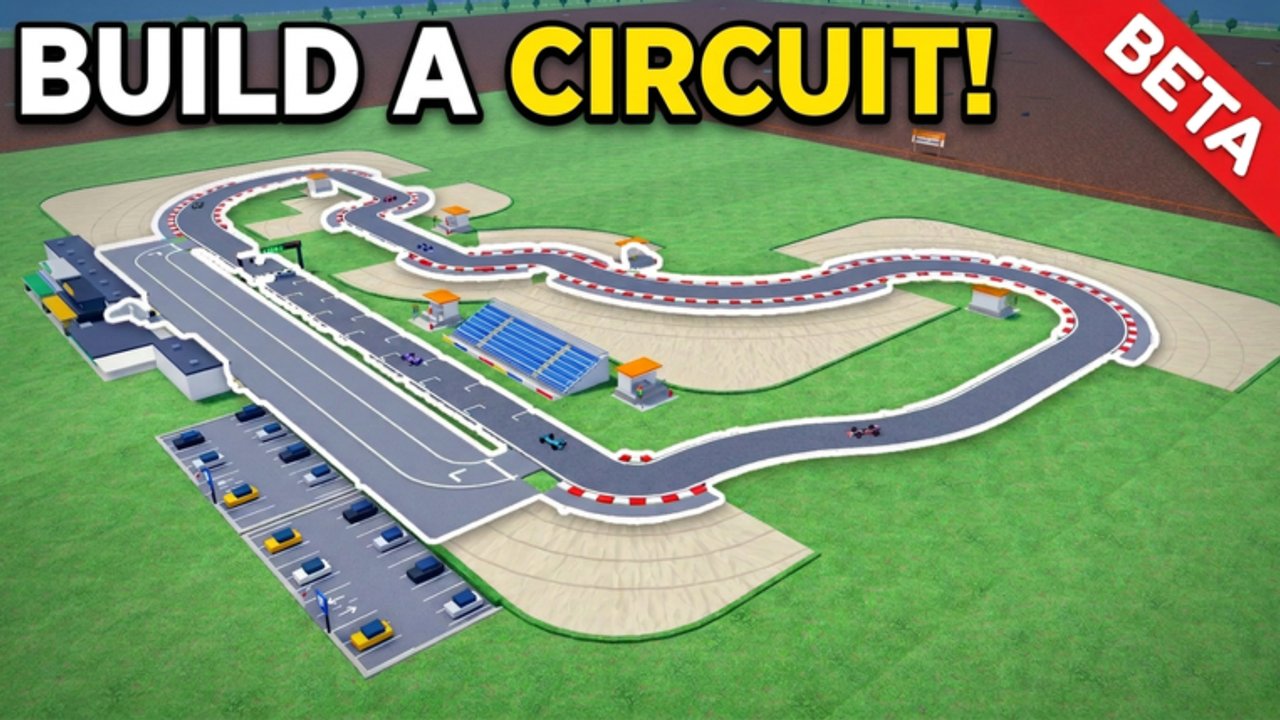
Read this before anything else
Using third-party executors and injected Lua on Roblox violates Roblox Terms of Use. You can lose the account, progress, or game passes. This hub documents what is commonly circulated for Itty Bitty Circuit so you understand the landscape—not so we encourage cheating. Use at your own risk. Never share your password or cookie. Prefer legitimate progression via Getting Started, the Tier List Hub, and honest racing loops.
Itty Bitty Circuit is BETA. Patches in November 2026 and beyond can break scripts overnight. What worked yesterday may error today.
Command-menu style helper (widely known pattern)
Many players look for an admin / command-menu GUI rather than a game-specific auto-farm. A publicly known Infinite Yield–style command menu loadstring often circulated as a generic helper is:
loadstring(game:HttpGet('https://raw.githubusercontent.com/EdgeIY/infiniteyield/master/source'))()Treat this as a command-menu style helper, not an official Itty Bitty Circuit tool. Feature sets in this family of menus typically include:
- A searchable command GUI with chat-like prefixes
- Player utilities (esp, fly, noclip-style movement helpers—names vary by fork)
- Server/player lists and basic moderation-style commands on the client
- Waypoints, refresh, and quality-of-life toggles
Exact commands differ by version. Because the game is a circuit tycoon (build track → race → sponsors), a generic menu will not magically place facilities or grant sponsors; it only injects client-side helpers that may conflict with BETA physics, vehicles, or anti-cheat updates.
How people usually run a loadstring
- Install a script executor that still works with current Roblox (compatibility changes constantly—research current status yourself).
- Launch Roblox and join Itty Bitty Circuit.
- Open the executor, paste the full
loadstring(...)()line, and press Execute / Run. - Wait for the GUI; if nothing appears, the executor, HTTP get, or game update likely failed.
- Close the game fully before switching accounts; never paste scripts into Roblox Studio “as the developer” on someone else’s place.
If the executor asks for your password, stop. Legitimate tools do not need your Roblox login.
BETA-specific risks
- Breakage: Facility placement, race events, and collision passes change often; scripts that touch character or camera state can soft-lock races.
- False progress: Injected cash or fake unlocks may not save—or may flag the session.
- Non-Collision Pass conflict: The official Non-Collision Pass already changes collision rules; stacking noclip-style scripts can desync multiplayer (servers are small—see Players Hub).
- Ban waves: Sports & Racing experiences under active BETA development are poor places to test cheats.
Safer alternatives on this wiki
- Learn the money loop on Guides and Getting Started.
- Spend cash in S/A order on the Tier List Hub (closed track and event requirements first).
- Rank Robux purchases on Game Passes (Auto Event, Drivers Pack, F1 Bundle, Non-Collision).
- Watch Updates so you are not running yesterday’s broken script after a patch.
- Use official channels listed on the Links Hub for bug reports instead of “fix” scripts.
Responsible checklist
- Assume any script can ban you.
- Never buy “private” loadstrings from strangers.
- Do not script on accounts that hold rare limiteds or lots of Robux.
- If you only wanted QoL, try official passes and facility upgrades first.
- Keep Codes bookmarked for legitimate freebies when the developer adds them (none active as of November 2026).
Again: this Scripts Hub exists for documentation and safety education. Fair play keeps the BETA healthy for everyone hosting four-player race nights.
Frequently Asked Questions
Quick answers to the most common questions.
Is the command-menu loadstring safe?
No script injected with an executor is fully safe. You risk bans and broken sessions. The Infinite Yield–style loadstring is a known public pattern, not an official game feature. Use at your own risk.
Will scripts still work after BETA updates?
Often no. Itty Bitty Circuit updates frequently; expect breakage after November 2026 patches. Re-check this hub and prefer legitimate upgrades.
Can scripts give me free game passes?
No trustworthy script can grant Roblox game passes. Buy Auto Event, Drivers Pack, F1 Bundle, or Non-Collision only through official Roblox prompts—see the Game Passes tier list.
What should I use instead of scripts?
Follow Getting Started, prioritize facilities on the Tier List Hub, and check Codes after updates. Report bugs via Discord linked from the Roblox game page.