Codes
Itty Bitty Circuit working codes list updated for November 2026: none active yet, plus Discord checks and full redemption guidance.
View all CodesCodes, upgrade tiers, and racing-circuit guides for Roblox Itty Bitty Circuit.
Unofficial Roblox wiki for Itty Bitty Circuit: codes, money tips, track builds, sponsors, and upgrade tiers to grow your venue faster.
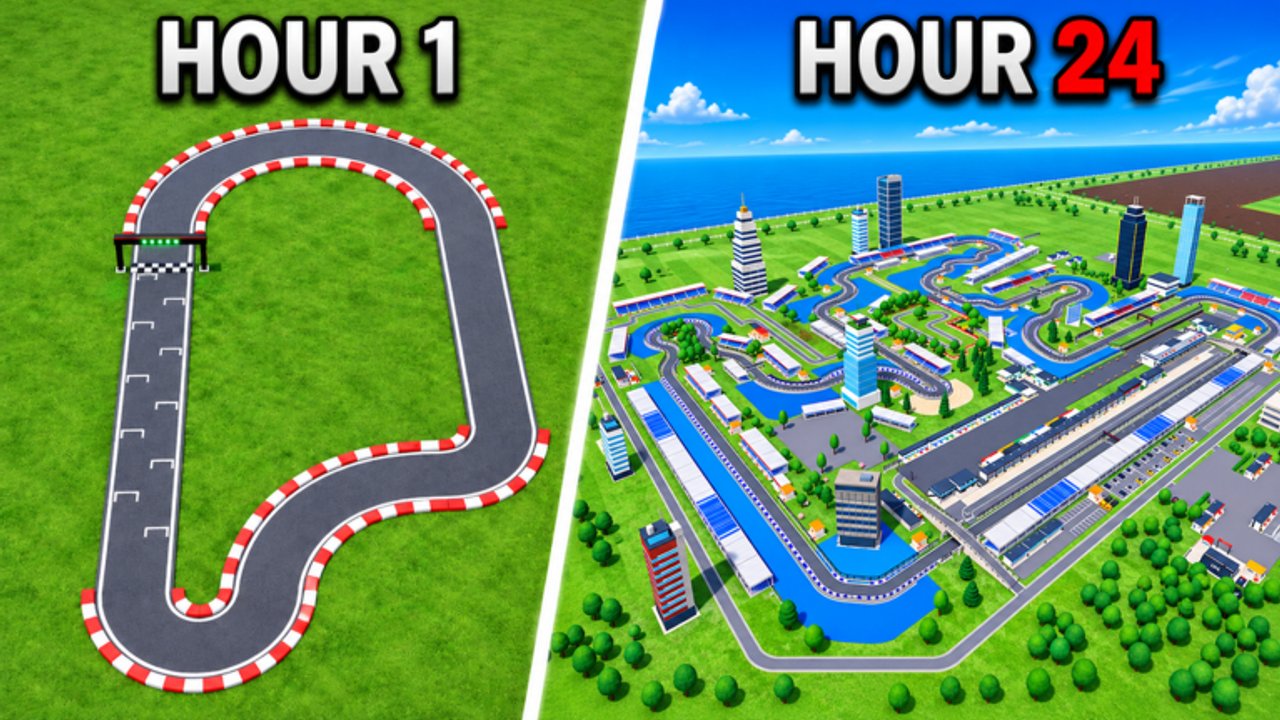
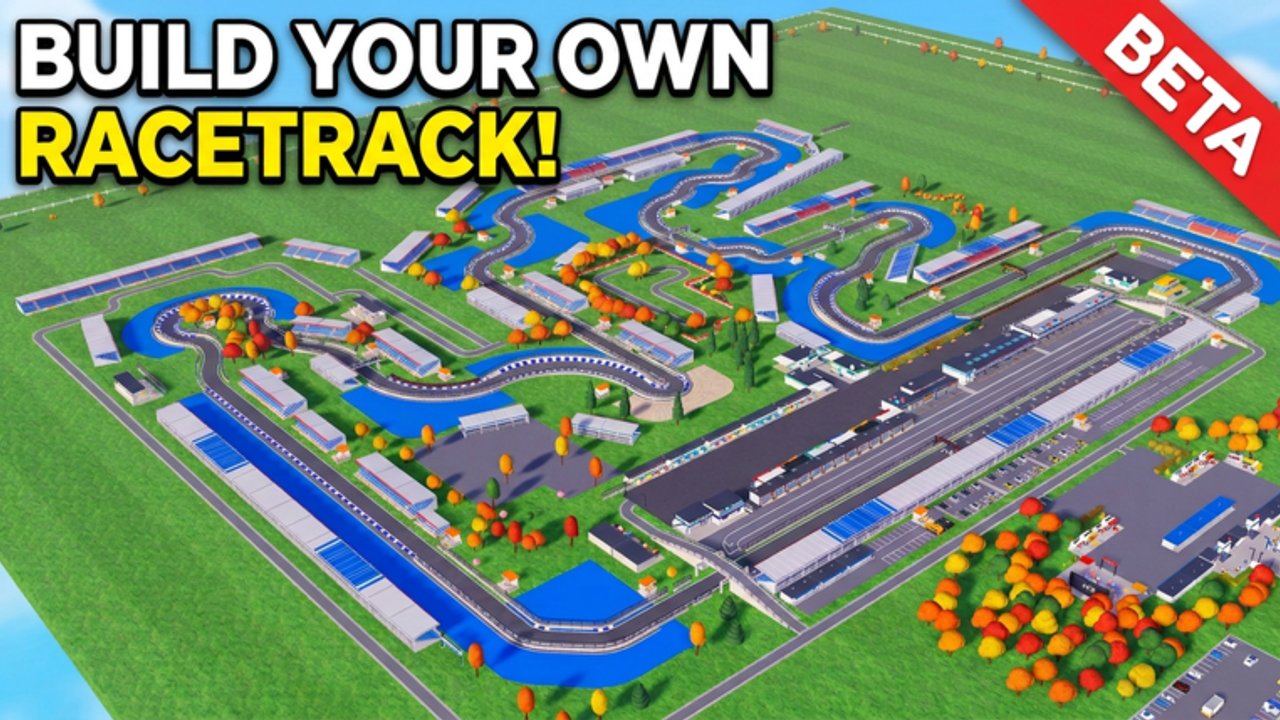
Itty Bitty Circuit is a free Roblox Sports & Racing tycoon in BETA by ogm10_endea. You design a custom circuit, expand garages and paddocks, and host events from F4 up to Formula 1 and Hypercars. Earn cash, attract fans, land sponsors, and climb your venue’s reputation. Start with the beginner guide, learn how to get money fast, then check codes and the upgrade tier list.
Itty Bitty Circuit working codes list updated for November 2026: none active yet, plus Discord checks and full redemption guidance.
View all CodesItty Bitty Circuit guides hub: beginners, money, track building, sponsors, facilities, controls, and BETA tips in one map.
View all GuidesItty Bitty Circuit upgrade buy-order tier list for closed tracks, spectator stands, land expansion, pits, plus game-pass deep links.
View all Tier ListItty Bitty Circuit players and community hub: server size 4 tips, Discord, playing with friends, and full reputation progression help.
View all PlayersItty Bitty Circuit BETA updates: mid-November 2026 patches, elevation builds, live stats, and what to re-test after each drop.
View all UpdatesLearn Itty Bitty Circuit scripts safely: command-menu loadstring pattern, executor steps, BETA breakage, and clear ban-risk warnings.
View all ScriptsBookmark official Itty Bitty Circuit links: Roblox game page, Discord discovery tips, and every codes-to-updates hub in one place.
View all LinksPlace the finish line, connect straights and corners, and close the loop so cars can lap. Follow the track building guide if pieces will not join.
Run events as soon as the circuit works. Racing is your main income and fan source — see how to get money fast.
Objectives pay cash and reputation. Sponsor contracts add a second income once you meet their race requirements. Full detail in the sponsors and fans guide.
Unlock the next event facility first, then stands, land, and pits. Follow facilities and upgrades and the upgrade tier list.
Scan the codes hub after patches and read the updates hub for BETA changes that affect balance.
Quick answers to the most common questions.
A free Roblox BETA tycoon where you design a racing circuit, expand facilities, and host events from club racing up to Formula 1 and Hypercars.
Finish a small closed track, host races constantly, clear objectives, then take sponsor contracts. Full steps are in the money guide.
As of November 2026 there are no active promo codes. Check the codes hub after updates and watch the developer Discord linked from the Roblox page.
This wiki supports: English, Français, Deutsch, Español, Português (BR).
A working closed track, then whatever facility unlocks your next event, then spectator stands. See the tier list for the full buy order.
No. This is an unofficial fan resource. Confirm patch notes and Discord links on the official Roblox game page.
Close your first loop, host races for cash and fans, then unlock bigger events. Start with the beginner guide or jump into money tips and the tier list.
Start with the beginner guide